Technology
My Own Suite: the open-source app launcher for your own private cloud
Photos, files, documents, passwords — all on a machine you actually own.
Getting out of big tech's cloud has always been notoriously hard — and not by accident. Your switching cost is their leverage: the longer your photos, files and calendars sit on someone else's servers, the more expensive it becomes to move them anywhere else. Every year you stay, the door gets a little heavier.
That era may be coming to an end.
There is a specific moment most people have had by now. An email arrives explaining that the terms have changed. Or a free tier quietly shrinks. Or a product you built a decade of habits around gets folded into something else. Or — the newest version of this feeling — you read that the documents you have kept in someone's cloud since 2011 may now help train a model.
Nothing was stolen. You agreed to it. That is the uncomfortable part.
The obvious answer is to run your own services. The reason almost nobody does is that "just self-host it" is a sentence hiding a month of work: Docker, reverse proxies, DNS records, TLS certificates, database containers, backups you have to remember to test, and a permanent low-level obligation to keep all of it patched. Self-hosting has always been available to anyone willing to become a part-time sysadmin. That is a very small group of people.
My Own Suite — MOS — exists to make that group much larger.
What My Own Suite actually is
My Own Suite is an open-source platform that turns a single machine into your own private cloud. One rented cloud server, or one spare computer sitting at home. You install MOS once, and after that you add apps from a browser the way you would install apps on a phone.
That is the whole idea, and it is deliberately unglamorous: install once, then click.
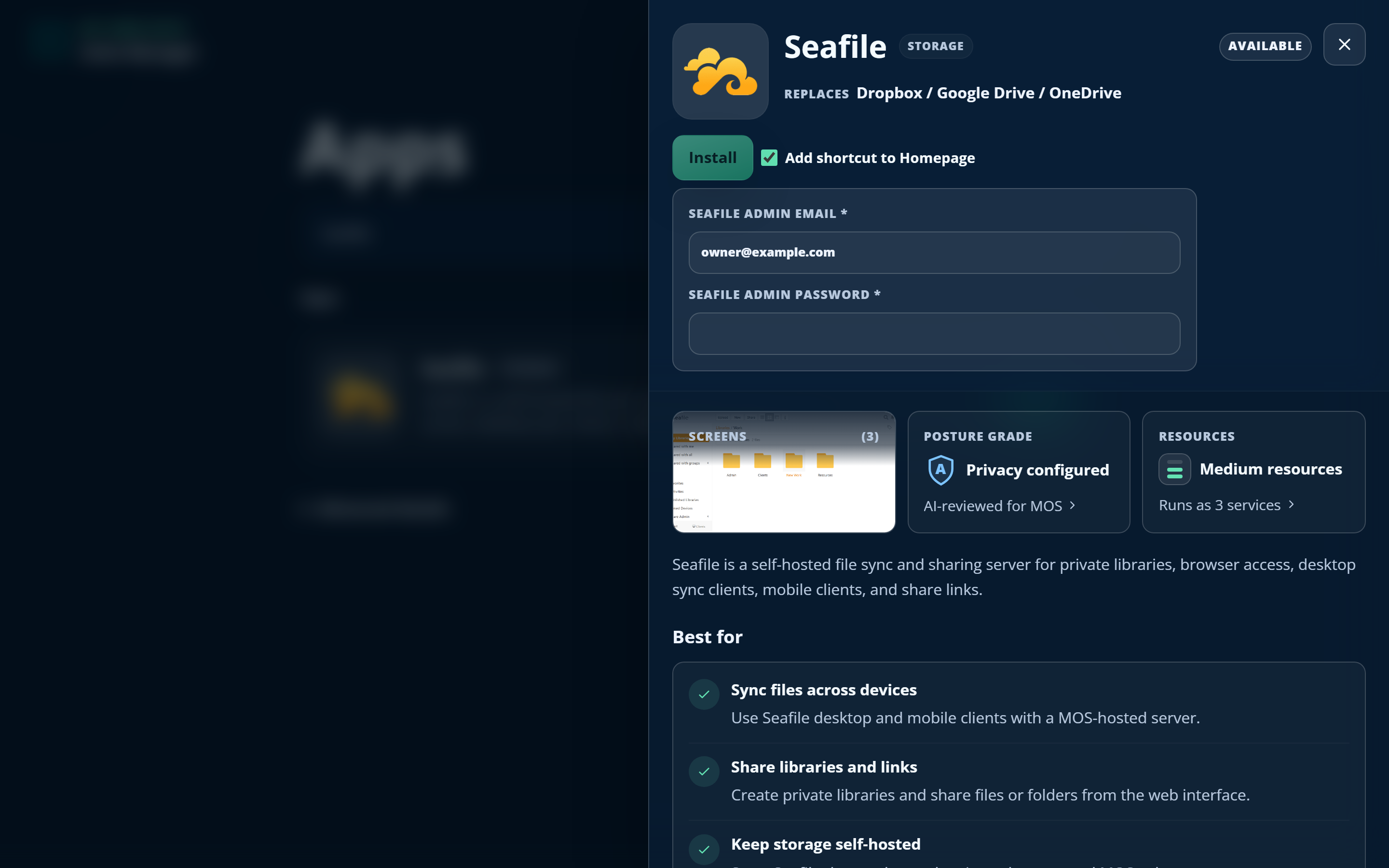
The apps themselves are the mature open-source projects self-hosters have relied on for years — Immich for the camera roll, Seafile for files, ONLYOFFICE for documents, Vaultwarden for passwords, and so on. Nothing exotic. What MOS adds is everything around them: the packaging, the hostnames, the HTTPS, the databases, the wiring between apps, the backups, the updates. The parts that turn a promising README into a lost weekend.
The project states its own design constraint more plainly than I could:
The apps also know about each other. Add a file sync app and an office suite, and you edit documents straight from your file browser — no config file, no integration guide, no forum thread from 2019 with a half-working answer. That interlocking is normally the hardest part of a self-hosted stack, and MOS treats it as its own job rather than yours.
You are not fenced into the curated catalog, either. MOS can install app packages from any GitHub repository; unverified external apps simply run under tighter restrictions. Open, without pretending everything has been vetted.
The part nobody else does: a privacy grade with receipts
This is the feature worth remembering the name for.
Every app in the MOS catalog is privacy-assessed before it ships, and carries a published grade from A to D. The score comes from five dimensions, two points each: whether the app reports telemetry anywhere, whether its features depend on outside services, whether it needs an external account, whether your data gets processed off your machine, and which policies apply beyond the software license.
Two rules turn that from a badge into something with weight. Evidence is labelled by how it was obtained — observed, configured, documented or inferred — with technical evidence preferred over a vendor's own claims. And:
Assessments expire, and get redone when a package, a policy or a project’s ownership changes. The grade isn’t a sticker applied once at launch; it’s a standing claim the project has to keep re-earning. The full methodology is published, which is rather the point.
That matters more than it sounds. "Open source" has quietly stopped meaning "private" — plenty of open-source apps still phone home, still lean on a hosted service for one convenient feature, still ship a policy nobody reads. MOS is the rare project that measures this, publishes the reasoning, and lets you decide with the evidence in front of you.
Friendly on top, serious underneath
This machine is going to hold your passwords and your family photos, so the interesting question is what happens below the install button.
The web interface cannot touch the host. Suite Manager runs unprivileged on loopback, and anything privileged goes through small root-owned agents over Unix sockets, each exposing narrow, validated operations rather than arbitrary command access. Compromising the web layer does not hand anyone root — a boundary a surprising number of self-hosted control panels simply don't draw.
Around that sits a single public entry point on ports 80 and 443. Every app gets its own hostname, and the dashboard isn't even reachable without a valid session — unauthenticated visitors never see so much as a tile. The supply chain is deterministic by design: containers build from digest-verified package snapshots, base images are pinned by immutable digest rather than floating tags, and the app catalog is cryptographically signed. Apps carry their own immutable snapshots and update transactionally, one at a time, so a bad update to one app cannot take the suite down with it. Secrets follow a redaction discipline end to end — app secrets materialise per request, and provider tokens are written once to root-only files and never returned by any API.
Then there is backup, which is where most self-hosting stories quietly end badly. MOS takes a whole-suite copy to storage you choose, verifies the restored result against the bundle it came from, and keeps a complete rescue copy of the previous state while it works. It has been drilled the way backups ought to be drilled — onto replacement hardware, and through power loss part-way through a restore. In return it asks one thing of you: keep the bundle on encrypted, access-controlled storage, because a file that can rebuild your entire suite is exactly as sensitive as that sounds.
And the thing that isn't there: no telemetry, no MOS account, nothing phoning home. Your data never routes through infrastructure the project controls, because there isn't any to route through. MOS is licensed AGPL-3.0 — inspectable by anyone, modifiable by you, and still yours if the project ever stops.
Two ways in — and one of them is free
The cheapest path costs nothing beyond the electricity, because you almost certainly already own the hardware. An old laptop, a mini PC, the machine in the cupboard you keep meaning to do something with. Write the USB installer, boot the machine, and your suite lives on your own network. The disk gets wiped, and setup runs closer to an hour with most of that spent waiting on a download — but there is no bill, ever, and your data never physically leaves the building.
If you would rather not have a machine to think about, rent a small cloud server instead. A fresh Ubuntu box, one command pasted into a terminal, roughly fifteen minutes:
You get a working web address automatically, create your owner account in the browser, and start adding apps. MOS isn't tied to any particular host — it runs on all the usual VPS providers, so take whichever one you already like, from as little as around $20 a month. A managed option that provisions everything in one click, with no terminal and no hosting account at all, is on the roadmap.
Neither path needs a domain name to get started.
From there, everything happens in Suite Manager, the owner's control room, built around one promise: you should never need a terminal for everyday ownership. Add and connect apps, rearrange your dashboard, run backups, apply updates, point your own domain at it with HTTPS, and read a plain-language summary of recent security activity on your server. Technical detail — logs, configs, IDs — sits behind an "Advanced details" toggle: there for the people who want it, invisible to everyone else.
A realistic path
Digital independence is usually sold as an all-or-nothing move: delete everything, switch everything, become the kind of person who runs a homelab. Almost nobody makes that jump, which is exactly why the status quo holds.
My Own Suite offers something more useful — a first step small enough to actually take. One machine. One command. Your photos, your files, your documents, your calendar and your passwords, on hardware you control, with no terms left for anyone to change.
Put it on that old laptop for nothing at all, or spin it up at your favourite VPS provider for the price of a takeaway — then see how much of your digital life quietly moves home.