News
Getting Started with Payload CMS Website Template
Learn how to use and customize the Payload CMS Website Template for your projects.
Welcome to the Payload CMS Website Template! This powerful and flexible template is designed to help you quickly set up and customize your website. In this guide, we'll walk you through the key features and how to get started.
Key Features
Pre-configured Payload Config: Start with a robust foundation for your CMS.
Authentication and Access Control: Secure your content with built-in user management.
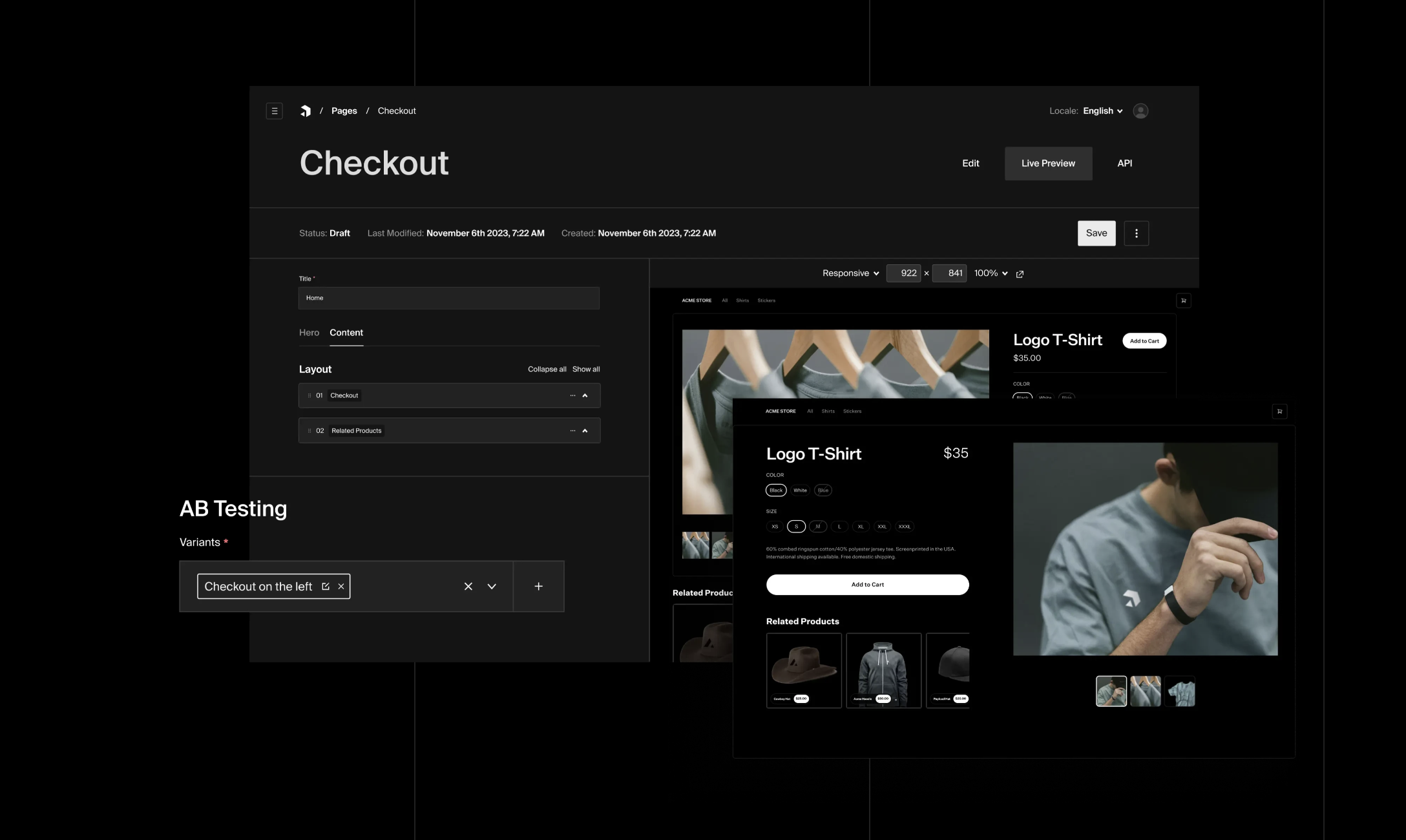
Layout Builder: Create dynamic page layouts with a flexible block-based system.
Getting Started
To get started with the Payload CMS Website Template, follow these steps:
1. Clone the repository: Payload CMS Boilerplate
2. Install dependencies: Run `yarn install` or `npm install`
3. Set up environment variables
4. Start development: Run `yarn dev` or `npm run dev`
Customization and Deployment
The template is highly customizable. You can modify collections, add new ones, and customize the layout builder. Check out the Payload CMS documentation for detailed information on extending your project.